TRY OUR FREE APP

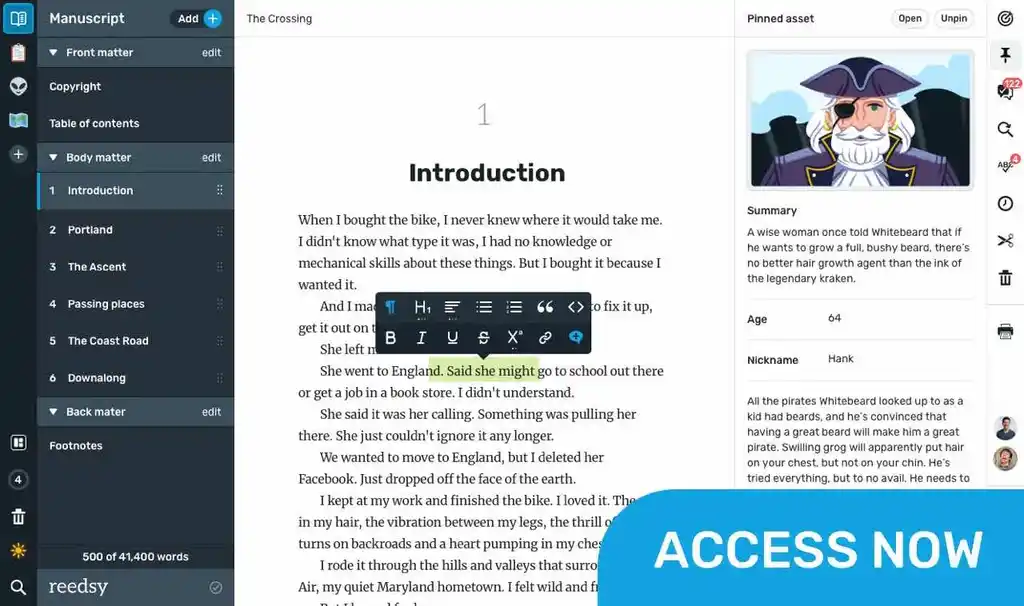
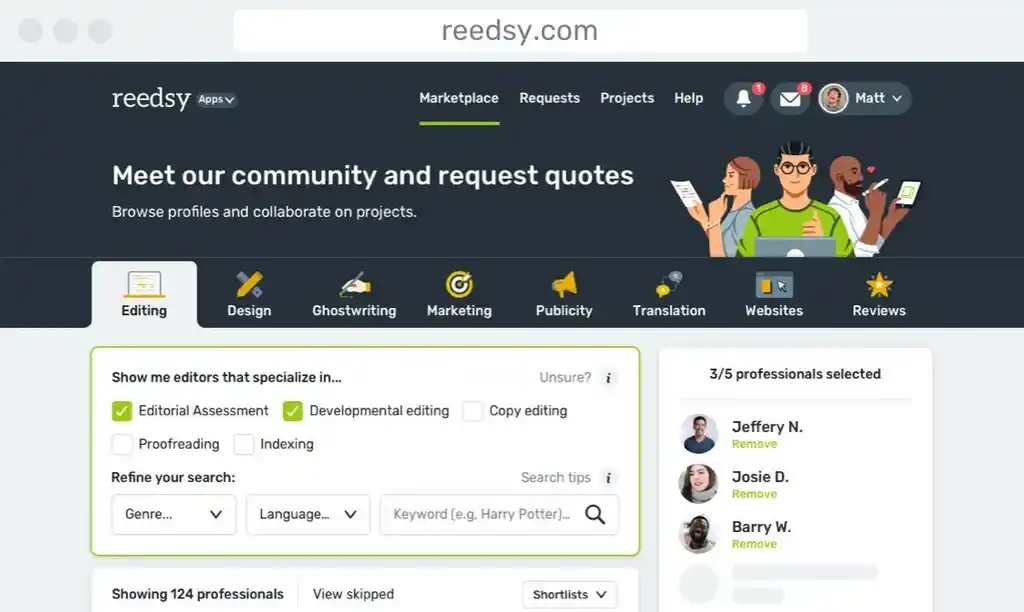
Write your book in Reedsy Studio. Try the beloved writing app for free today.

Craft your masterpiece in Reedsy Studio

Plan, write, edit, and format your book in our free app made for authors.

DIRECTORY

Best Writing Apps in 2026

Showing 128 writing apps that match your search.

ApolloPad is a feature-packed online writing environment that will help you finish your novels, ebooks and short stories.

Platforms: Online

Best for: Outlining, Drafting, Story, Book, and Free

Website: https://apollopad.com/

Base price:

Free

Premium price:

Project outlining & timelines

Notes in context

To-do lists

★★★★ Performance

★★★★ Features

★★★ Accessibility

★★★★ Value

Life Note is an AI journaling app that lets you reflect with history's greatest minds—Jung, Marcus Aurelius, Thich Nhat Hanh, and 1000+ others—each trained on their actual writings.

Platforms: Online, iPhone, Android

Best for: Journal

Website: https://www.mylifenote.ai

Base price:

Free

Premium price:

$9.00

Great Thinkers as Mentors

Wisdom Council

Weekly & Yearly Reflection & Art

★★★★ Performance

★★★★ Features

★★★★★ Accessibility

★★★★★ Value

Also rated 5.0 on Apple Store

Drafts opens to a new page with the keyboard ready so you can type immediately. Go hands-free with Dictation. Drafts lets you get things down before you forget without fiddling folders, naming, etc.

Platforms: iPhone, iPad, Mac

Best for: Note-taking, Journal, Essay, Blog, and Free

Website: https://getdrafts.com/

Base price:

Free

Premium price:

Dictation

Tags for organization

Customizable ediitng

Fast sync

★★★★★ Performance

★★★★ Features

★★★ Accessibility

★★★★★ Value

Also rated 4.8 on the App Store

Craft your masterpiece in Reedsy Studio

Plan, write, edit, and format your book in our free app made for authors.

Learn more about Reedsy Studio

Outline faster, organize smarter, and turbocharge your productivity today with the #1 visual book planning software for writers.

Platforms: Mac, iPhone, iPad, Android, Windows, PC

Best for: Outlining, Book, and Story

Website: https://plottr.com/

Base price:

$99.00 one-time payment

Premium price:

$149.00 one-time payment

Visual timelines

Series planning

Starter templates & story bibles

★★★★ Performance

★★★ Features

★★★★★ Accessibility

★★★ Value

Also rated 3.0 on Reedsy

Open to write and follow the prompt suggestions, it's that easy. Good for poetry writing, journal writing, storytelling, narration, cinema, and more. All using a patented artificial intelligence technology.

Platforms: iPhone, iPad

Best for: Brainstorming, Story, Book, and Poetry

Website: https://apps.apple.com/us/app/creative-writing-prompts/id...

Base price:

$1.99 one-time payment

Premium price:

Thousands of prompts

Set a daily writing goal

View custom writing stats

★★★★ Performance

★★★ Features

★★ Accessibility

★★★ Value

Also rated 4.6 on the App Store

Mind mapping starts with a main idea in the center of your mind map. As your map takes shape, add context to topics with attachments, embedded media and more. MindMeister’s features guide you through your first mind maps onto maximum creativity.

Platforms: Online, iPhone, iPad, Android

Best for: Outlining, Journal, Poetry, and Free

Website: https://www.mindmeister.com/

Base price:

Free

Premium price:

$8.25 monthly

Outline mode & focus mode

Comments and notifications

Collaboration

★★★★ Performance

★★★ Features

★★★ Accessibility

★★★ Value

Also rated 4.7 on Capterra

FreeOffice 2021 is a complete Office suite with a word processor, a spreadsheet application and a presentation program – all seamlessly compatible with their counterparts in Microsoft Office.

Platforms: Mac, PC, Windows

Best for: Drafting, Book, Essay, Journal, Poetry, Story, Blog, and Free

Website: https://www.freeoffice.com/en/

Base price:

Free

Premium price:

Full feature word processor

Create and open PDFs

Track changes

★★★★ Performance

★★★ Features

★★★★ Accessibility

★★★★ Value

Also rated 4.0 on TechRadar

Terminology is a browser for the English language – part dictionary, part thesaurus and part research tool. Terminology makes it easy to explore words and phrases, diving down to more and less specific terms - accessing the web and other apps for more detail and sharing.

Platforms: Mac, iPhone, iPad

Best for: Editing, Proofreading, and Essay

Website: https://apps.apple.com/us/app/terminology-dictionary/id68...

Base price:

$1.99 one-time payment

Premium price:

Spelling suggestions

Offline US English dictionary

Add notes to any terms

Word browsing history

★★★★ Performance

★★★ Features

★★ Accessibility

★★★ Value

Also rated 4.7 on the App Store

Still looking for the perfect app to write your novel? Novelist might just be the perfect tool for the job!

Platforms: Android, iPhone, iPad, Online

Best for: Outlining, Worldbuilding, Drafting, Story, Book, and Free

Website: https://www.novelist.app/

Base price:

Free

Premium price:

Goal setting

Rich text editor

Back up and restore

★★★★ Performance

★★★ Features

★★★ Accessibility

★★★★ Value

Traditional word processors include dozens of options for formatting text, distracting you from what really matters: writing. Calmly Writer is an editor designed to focus on what you want to tell, with a simple, unobtrusive and ease-to-use user interface.

Platforms: Windows, Mac, Online, Chrome, PC

Best for: Drafting, Book, Essay, Journal, Poetry, Story, Blog, and Free

Website: https://www.calmlywriter.com/

Base price:

Free

Premium price:

$10.99 one-time payment

Focus mode

Auto save

Light and dark mode

★★★★★ Performance

★★★ Features

★★★★★ Accessibility

★★★★ Value

Also rated 4.0 on TechRadar

yWriter is a word processor which breaks your novel into chapters and scenes, helping you keep track of your work while leaving your mind free to create. yWriter was designed by an author, not a salesman!

Platforms: Windows, Android, iPhone, iPad, PC

Best for: Drafting, Book, Story, and Free

Website: http://www.spacejock.com/yWriter7.html

Base price:

Free

Premium price:

Track progress

Organize by scenes and chapters

Storyboard view

★★★ Performance

★★★ Features

★★★★★ Accessibility

★★★★★ Value

Also rated 3.5 on PC Magazine

Mellel is a word processor designed from the ground up to be the ultimate writing tool for academics, technical writers, scholars and students. Mellel is strong, stable and reliable, and is the ideal companion for working on documents that are long and complex, short and simple, or anything in between.

Platforms: Mac, iPhone, iPad

Best for: Outlining, Drafting, and Essay

Website: https://mellel.com/

Base price:

$49.00 one-time payment

Premium price:

Outline

Bibliography

Footnotes and endnotes

Multilingual support

★★★ Performance

★★★ Features

★★ Accessibility

★★ Value

Also rated 3.2 on the App Store

What makes a good writing app?

Put simply, what makes a writing app good for you will depend on the kind of writer that you are. 

  • If you’re an author, you might be interested in a writing app with outlining, planning, and formatting functionalities.
  • If you’re a student, you’re probably in the market for a writing app that blocks out distractions while you’re writing.
  • If you’re a screenwriter, you’ll want a writing app that’s specifically dedicated to writing screenplays.

Or, if you’re none of the above, worry not: that’s why we built this directory of writing apps. Whatever you need, we’ve gathered the outstanding writing apps of 2026 across multiple categories (drafting, editing, note-taking, etc) and platforms (Android, iOS, online browsers, etc) in one place. Feel free to use the filters to make your quest for the perfect writing app even easier!

The best writing apps this year

We can now put an end to the age-old debate of which writing app is best: Microsoft Word vs. Google Docs

The answer, of course, is neither! Hopefully, this directory will point you towards a much better match that actually fulfills your writing needs. We objectively evaluated each writing app based on four metrics.

  • Performance: How seamlessly does the writing app do what it’s purported to do? How good is the user experience, from top to bottom?
  • Features: How many bells and whistles are built into the app to augment its use?
  • Accessibility: Is it widely available on many different operating platforms (e.g. iOS, Windows, mobile, desktop, etc)?
  • Value: Is it worth the cost that it would take to download it?

Here are some general recommendations to give you a headstart.

The best writing app for authors

If you’ve been searching for an all-in-one outlining, writing, formatting, and typesetting tool, look no further than Reedsy Studio. Used by over 50,000 authors every month, it’s publishing’s most trusted companion to take them from a first draft to a professionally exported manuscript.

💰 Price:  Free

🚉 Runs on: Web

The best writing app for note-takers

Evernote is the king of written organization. In addition to its free organizational templates, Evernote also gives you impressive tagging capabilities, an omnipresent Web Clipper, and the ability to share notes with collaborators, so that you’ll never forget anything again.

💰 Price:  Free basic plan, $4.99/month for premium

🚉 Runs on: Mac, iOS, Windows, and Android

The best writing app for screenwriters

Along with standard scriptwriting features, Final Draft enables you to measure character traits using its inclusivity analysis feature, and tweak your “beat board” until you find your perfect arrangement. And when you’re ready to bring in editors, you can all work simultaneously in real time.

💰 Price: Free trial for 30 days, $249.99 license fee

🚉 Runs on: Mac, iOS, and Windows

I’ve found the perfect writing app. What next?

Congratulations! Now the fun part begins: actually writing the project that you’ve got in mind.

For authors, this means that you have a long and exciting road ahead. In addition to a writing app, we recommend that you arm yourself with some writing knowledge before you embark on it: whether it’s an understanding of story structure or careful thought put into your character creation, all of it can help you realize your goal of a novel.

If you don’t know where to start, check out the list of free resources below. Good luck, and happy writing!

Free online materials

Bring your stories to life

Our free writing app lets you set writing goals and track your progress, so you can finally write that book!