Menu
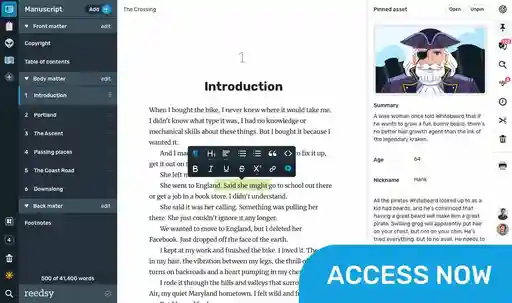
Write your book in Reedsy Studio. Try the beloved writing app for free today.
Craft your masterpiece in Reedsy Studio
Plan, write, edit, and format your book in our free app made for authors.
Write your book in Reedsy Studio. Try the beloved writing app for free today.
Craft your masterpiece in Reedsy Studio
Plan, write, edit, and format your book in our free app made for authors.
DIRECTORY
Showing 50 writing apps that match your search.
LibreOffice is a free and powerful office suite, and a successor to OpenOffice.org (commonly known as OpenOffice). Its clean interface and feature-rich tools help you unleash your creativity and enhance your productivity.
Platforms: Mac, Windows, PC
Best for: Drafting, Book, Essay, Journal, Poetry, Story, Blog, and Free
Website: https://www.libreoffice.org/
Base price:
Premium price:
 Full-feature word processor
Customizable fonts and other styles
★★★★ Performance
★★★★ Features
★★★★★ Accessibility
★★★★ Value
Also rated 4.0 ★ on TechRadar
WPS Office is a lightweight, feature-rich comprehensive office suite with high compatibility. As a handy and professional office software, WPS Office allows you to edit files in Writer, Presentation, Spreadsheet, and PDF to improve your work efficiency.
Platforms: Mac, Windows, Android, iPad, iPhone, PC
Best for: Drafting, Book, Essay, Journal, Poetry, Story, Blog, and Free
Website: https://www.wps.com/
Base price:
Premium price:
Cross platform file management
Free templates
Colorful themes
★★★★ Performance
★★★★ Features
★★★★★ Accessibility
★★★ Value
Also rated 4.0 ★ on TechRadar
Ideas, stories, and life’s events. Capture them in a journal that’s easy to carry and offers more than bound sheets. Chronicle for iPad is about you and your words. Write comfortably and benefit from being able to find anything you wrote with built-in search.
Platforms: iPhone, iPad, Mac
Best for: Note-taking and Journal
Website: http://slidetorock.com/apps/Chronicle-for-iPad-journal.html
Base price:
Premium price:
Distraction-free writing
Password protect journal entries
Built-in search
★★★★★ Performance
★★★ Features
★★ Accessibility
★★★★ Value
Also rated 4.5 ★ on the App Store
Traditional notes apps are great for writing, but getting things done requires something more. Clover’s Daily Notes introduce a new way of documenting thoughts, keeping track of tasks, and planning work within the context of your daily agenda.
Platforms: PC, Mac, iPhone, iPad
Best for: Note-taking, Journal, and Free
Website: https://cloverapp.com/
Base price:
Premium price:
Rich text with rich media
Networked notes
Whiteboarding
★★★★★ Performance
★★★ Features
★★★★ Accessibility
★★★ Value
Also rated 4.6 ★ on the App Store
With Scrittor store all your ideas, thoughts and whatever your mind tells you.
Platforms: Android, Chrome
Best for: Note-taking, Story, Book, Blog, Journal, Poetry, and Free
Website: https://play.google.com/store/apps/details?id=com.shahid.nid
Base price:
Premium price:
Search notes
Password protection
Arrange notes by categories
Dark and light mode
★★★★★ Performance
★★★★ Features
★★★ Accessibility
★★★★ Value
Also rated 4.4 ★ on Google Play
Capture what’s on your mind. Add notes, lists, photos, and audio to Keep.
Platforms: Online, iPhone, iPad, Android
Best for: Note-taking, Story, Book, Blog, Journal, Poetry, and Free
Website: https://www.google.com/keep/
Base price:
Premium price:
Set reminders
Share easily
Quick search and filter
★★★★ Performance
★★★ Features
★★★ Accessibility
★★★★ Value
Also rated 4.0 ★ on TechRadar
The simplest way to keep notes. All your notes, synced on all your devices.
Platforms: Windows, iPhone, iPad, Android, Mac, PC, Chrome, PC
Best for: Note-taking, Drafting, Book, Story, Journal, and Free
Website: https://simplenote.com/
Base price:
Premium price:
Automatic syncing
Tags for organization
Share documents and notes
★★★★★ Performance
★★★ Features
★★★★★ Accessibility
★★★★★ Value
Also rated 4.0 ★ on TechRadar
Simple. Effective. Personal. Keep life moments and ideas always with you. Diaro is here to help.
Platforms: iPhone, iPad, Android, Chrome
Best for: Note-taking, Journal, and Free
Website: https://diaroapp.com/
Base price:
Premium price:
Search entires by tags or location
Sync across devices
Multi window mode
★★★★★ Performance
★★★ Features
★★★★ Accessibility
★★★★ Value
Also rated 4.6 ★ on Google Play
The human brain is non-linear: we jump from idea to idea, all the time. Your second brain should work the same. In Obsidian, making and following connections is frictionless. Tend to your notes like a gardener; at the end of the day, sit back and marvel at your own knowledge graph.
Platforms: Windows, Mac, iPhone, iPad, Android, PC
Best for: Note-taking, Outlining, Journal, Book, Story, Essay, Poetry, Blog, and Free
Website: https://obsidian.md/
Base price:
Premium price:
Link pages
Graph view
Customizable with backlinked notes
Performance
Features
Accessibility
Value
Also rated 4.0 ★ on TechRadar
Joplin is an open source note-taking app. Capture your thoughts and securely access them from any device.
Platforms: Android, iPhone, iPad
Best for: Note-taking, Journal, Essay, Blog, and Free
Website: https://joplinapp.org/
Base price:
Premium price:
Multimedia notes
Shared notes with friends and family
Web clipper extension
★★★★★ Performance
★★★ Features
★★★★ Accessibility
★★★★ Value
Also rated 4.3 ★ on the App Store
Create documents, make impact. When your work needs to wow, Craft gives you the tools to make it magnificent.
Platforms: Mac, iPhone, iPad, Windows, Online, PC
Best for: Note-taking, Drafting, Journal, Essay, Blog, and Free
Website: https://www.craft.do/
Base price:
Premium price:
AI writing assistant
Document structuring
Customizable
Collaboration
★★★★ Performance
★★★★ Features
★★★★★ Accessibility
★★★★ Value
Also rated 4.9 ★ on the App Store
Enjoy a distraction-free writing experience, including a full screen mode and a clean interface. With Markdown, you can write now, and format later.
Platforms: Windows, Mac, PC
Best for: Drafting, Book, Story, Poetry, Journal, Blog, Essay, and Free
Website: https://ghostwriter.kde.org/
Base price:
Premium price:
Light and dark themes
Focus mode
Document and session statistics
Autosave
★★★★ Performance
★★★ Features
★★★ Accessibility
★★★★★ Value

Join a community of over 1 million authors
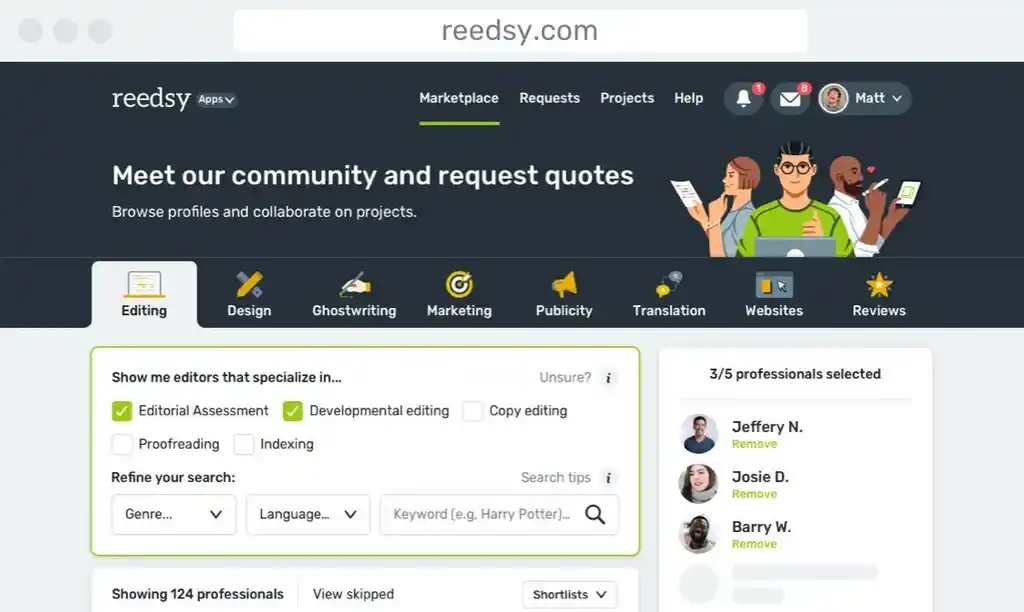
Reedsy is more than just a blog. Become a member today to discover how we can help you publish a beautiful book.

Enter your email address to save your shortlist so that you don't lose it!
By continuing, you will also receive Reedsy's weekly publishing tips and access to our free webinars.

Check your email
We've sent over your shortlist. Thank you for using Reedsy's Writing Apps Directory 🙌
Bring your stories to life
Our free writing app lets you set writing goals and track your progress, so you can finally write that book!
Enter your email or get started with a social account: